
BurgerPlanet on your phone
Menu with allergens, opening hours and table booking one tap away from your Home Screen. Free, takes up no space and needs no app store.
- Opens like an app, full screen
- Menu, hours and contact details even offline
- Always up to date, nothing to download
Install in one tap
Tap the button and confirm: the BurgerPlanet icon will appear with your apps.
-
Open your browser's menu
Tap the three dots ⋮ at the top right. If you're inside Instagram or Facebook, first choose Open in Chrome.
-
Tap Install app
On some phones it's called Add to Home screen.
-
Confirm with Install
The BurgerPlanet icon will appear with your apps.
On iPhone the app installs from Safari. Copy the link, open Safari and paste it into the address bar.
Three steps in Safari
It takes ten seconds. Then you'll find BurgerPlanet on your Home Screen, like your other apps.
-
Tap Share
It's the square with the arrow pointing up, in Safari's toolbar. If you can't see it, first tap ••• at the bottom right.
-
Tap Add to Home Screen
Scroll down the list: if the option isn't there, tap Show more.
-
Tap Add
At the top right. If you see the Open as Web App option, leave it on.
Already installed the app? Open it from the BurgerPlanet icon on your Home Screen.
The app is already installed
You'll find BurgerPlanet on your phone's Home Screen: open it from there to see the menu or book a table.
Open the appOpen this page on your phone
Scan the code with your iPhone or Android phone camera and follow the instructions.
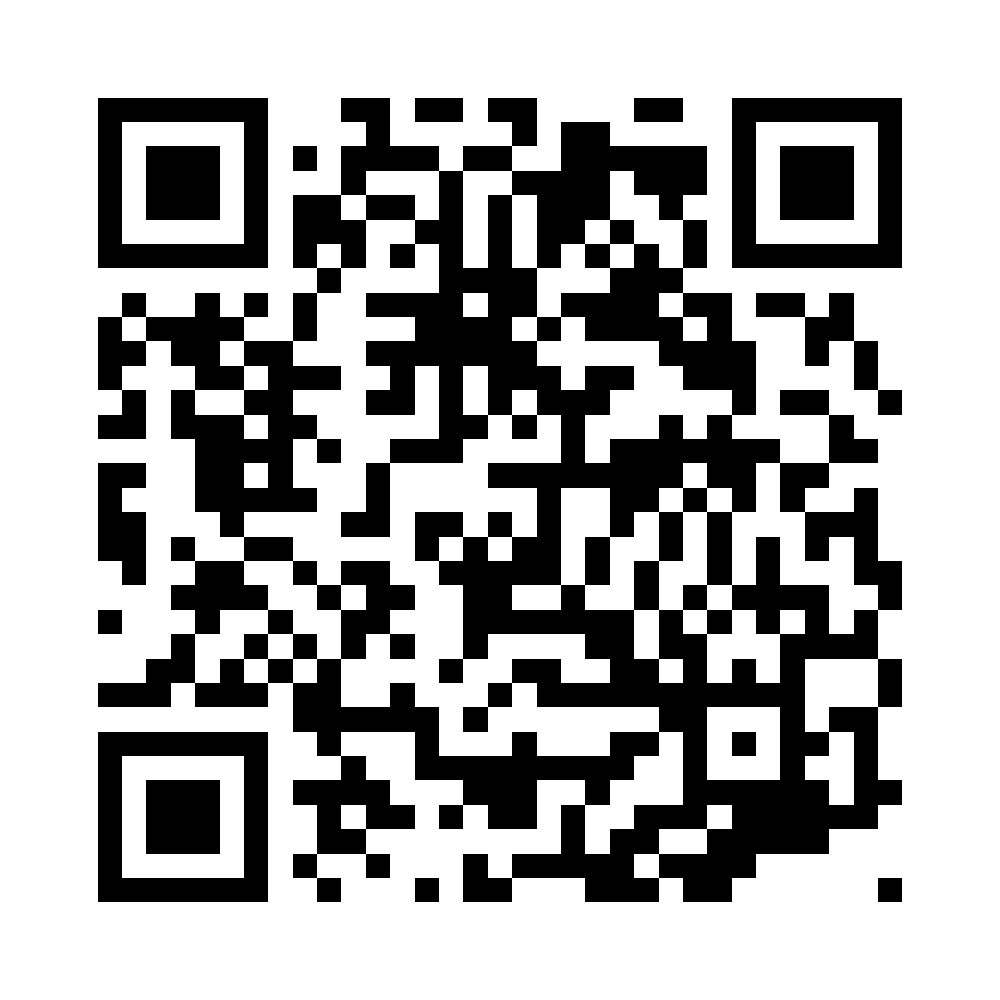
Or type on your phone:
burgerplanet.pages.dev/en/app/